
Time Settings
Time settings control how StatusPath Reports loads work items, clips history, calculates business time, and presents duration values.
Time settings can change the same issue from a calendar-hour result to a business-hour result. Confirm the selected mode before sharing a report.
When to use this
Use this page when you need to adjust the date range, duration format, business calendar, or business hours used by a report.
Before you begin
- Confirm the reporting period you want to analyze.
- Decide whether the report should use calendar time or business time.
- Know your team’s working schedule if business hours are enabled.
Steps
- Open the report configuration.
- Set Work item range if you need to control which issues Jira returns.
- Set Trim History if you need to clip the calculation window.
- Choose a duration format.
- Configure the working calendar and business hours if needed.
- Run the report and verify the output.
Calendar time example: Friday 5 PM to Monday 9 AM includes the weekend.
Business time example: Friday 5 PM to Monday 9 AM may count zero working hours if the schedule is Monday to Friday, 9 AM to 5 PM.
Result
Duration values are calculated using the selected time settings. The result may change when you switch between calendar time and business time.
Notes
- Work item range can use created, updated, or resolved dates to narrow which work items Jira returns.
- Trim History does not choose which work items are loaded. It clips status, assignee, and transition history by date.
- Duration format controls whether values display as business days/hours/minutes, decimal days, decimal hours, decimal weeks, hours/minutes, or minutes.
- Working calendar and business hours help align reports with working schedules.
- Use one consistent configuration when comparing reports over time.
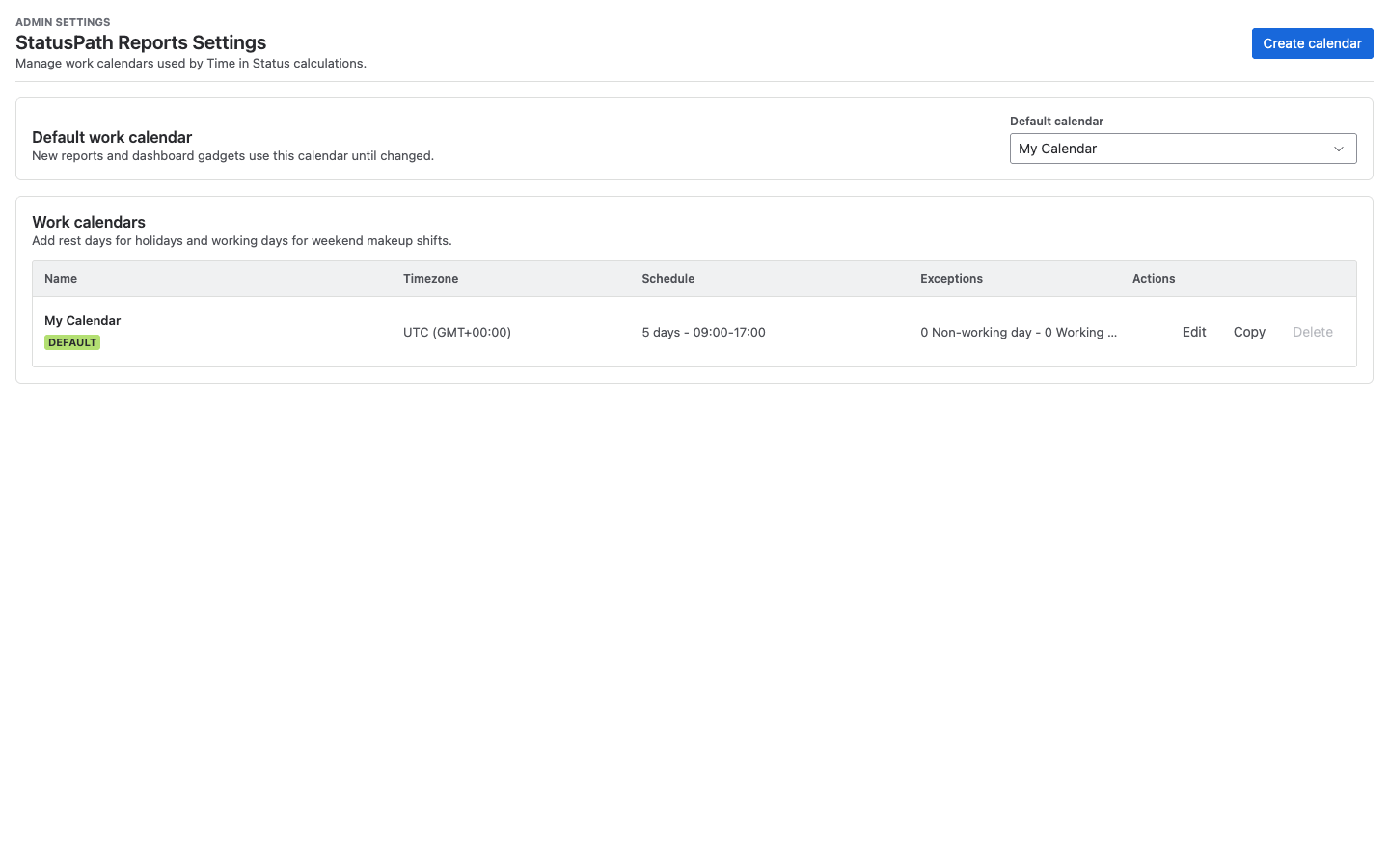
The default work calendar is My Calendar with UTC timezone, Monday through Friday working days, and 09:00-17:00 working hours. Admins can manage calendars in StatusPath Reports Settings.
Troubleshooting
If time results look different from expectations, compare the same issue in Jira changelog history, then review date range, timezone, business calendar, and business hours settings.